Live
One photo. The order is read and coded.
Codes come from your own test dictionary, never from the model, and your rules apply. A named person approves; in France, the order then goes to the LIS over HPRIM.
Front desk & check-in
The host snaps the lab order; Asynia reads and codes it while the patient takes a seat.
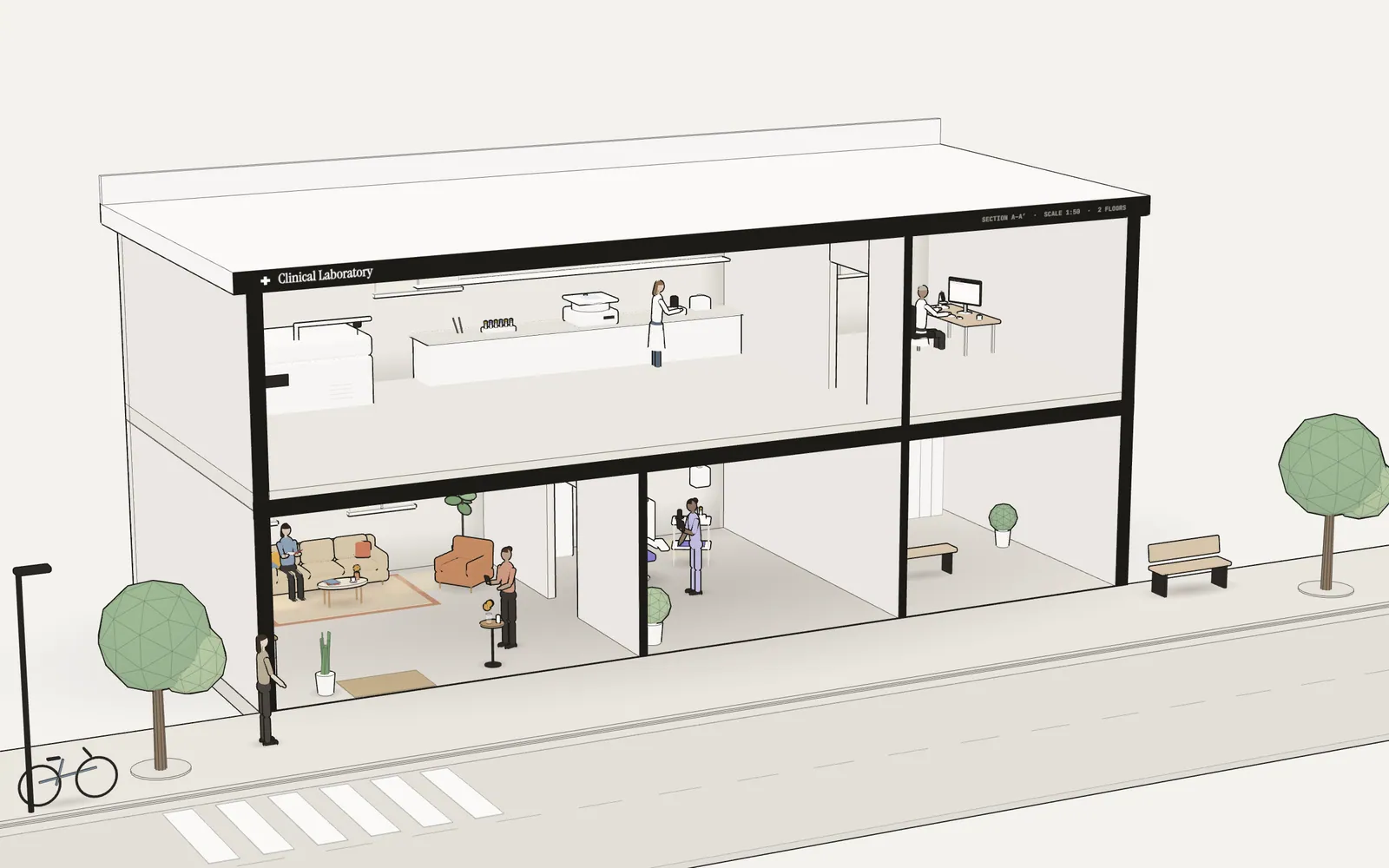
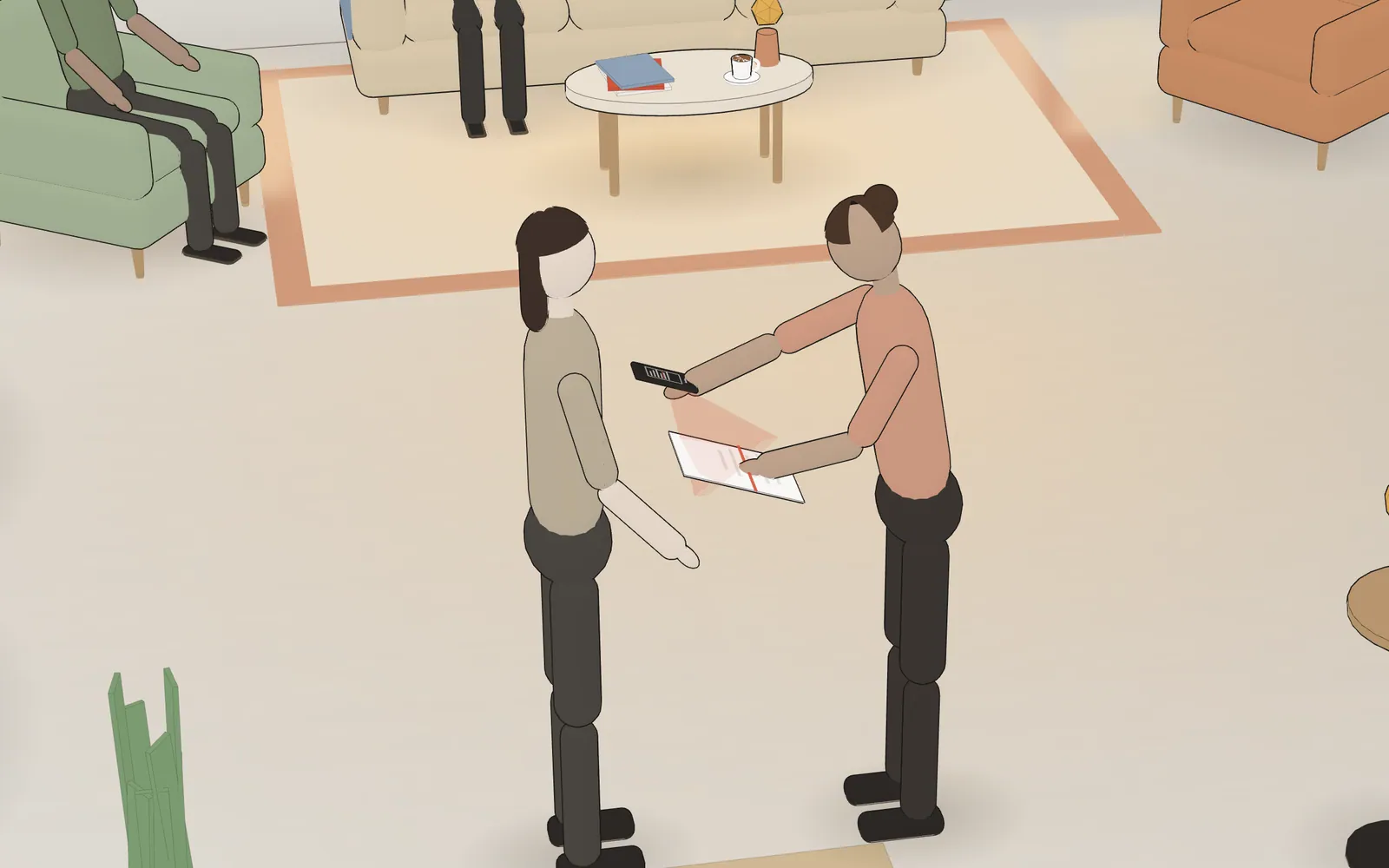
The host snaps the lab order, then shows a QR code. The patient checks in on her own phone.
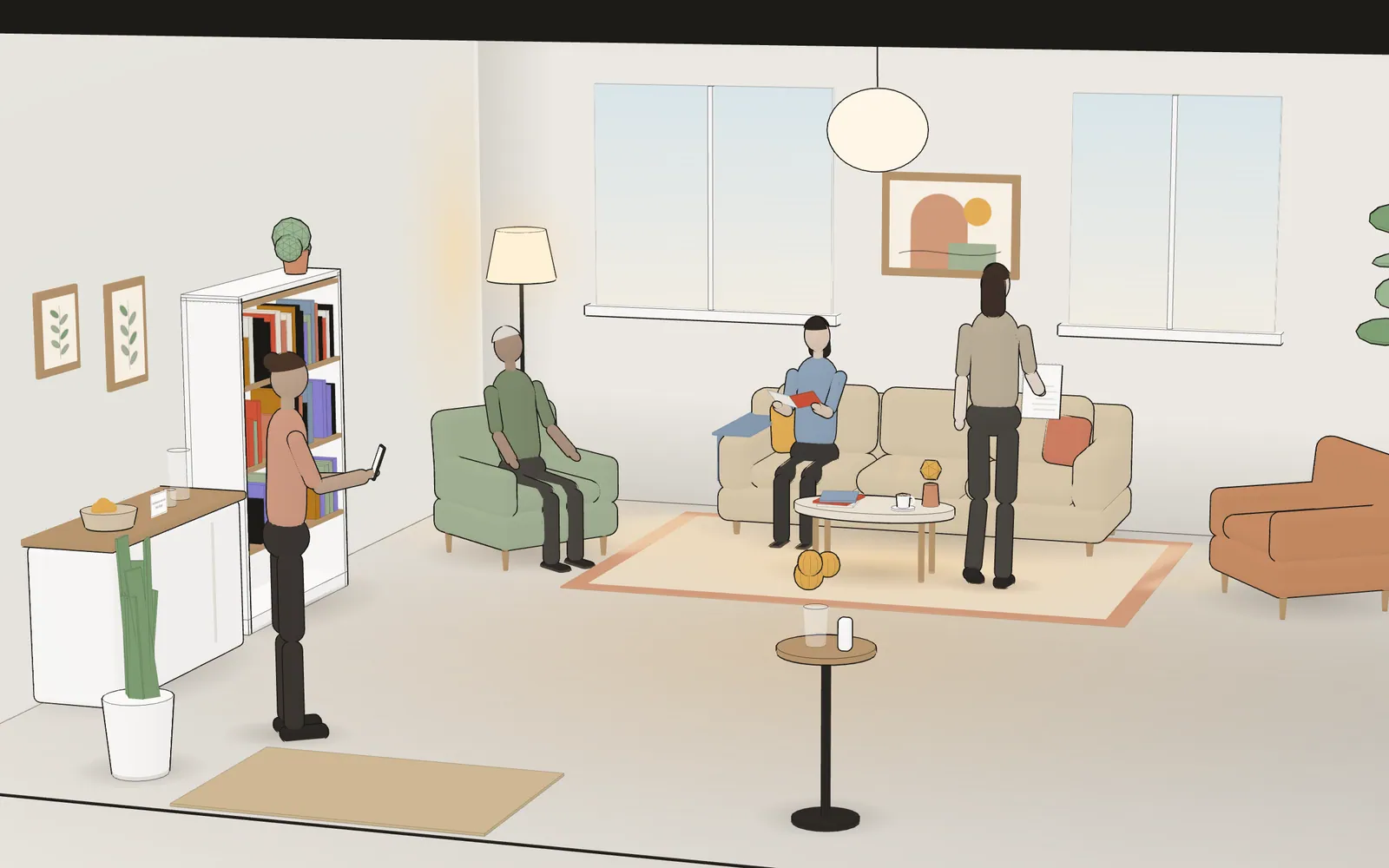
She takes a seat and confirms her details, already read from the order. Her chart turns “Ready” on the phlebotomist’s iPad, and the phlebotomist comes over to call her by name.
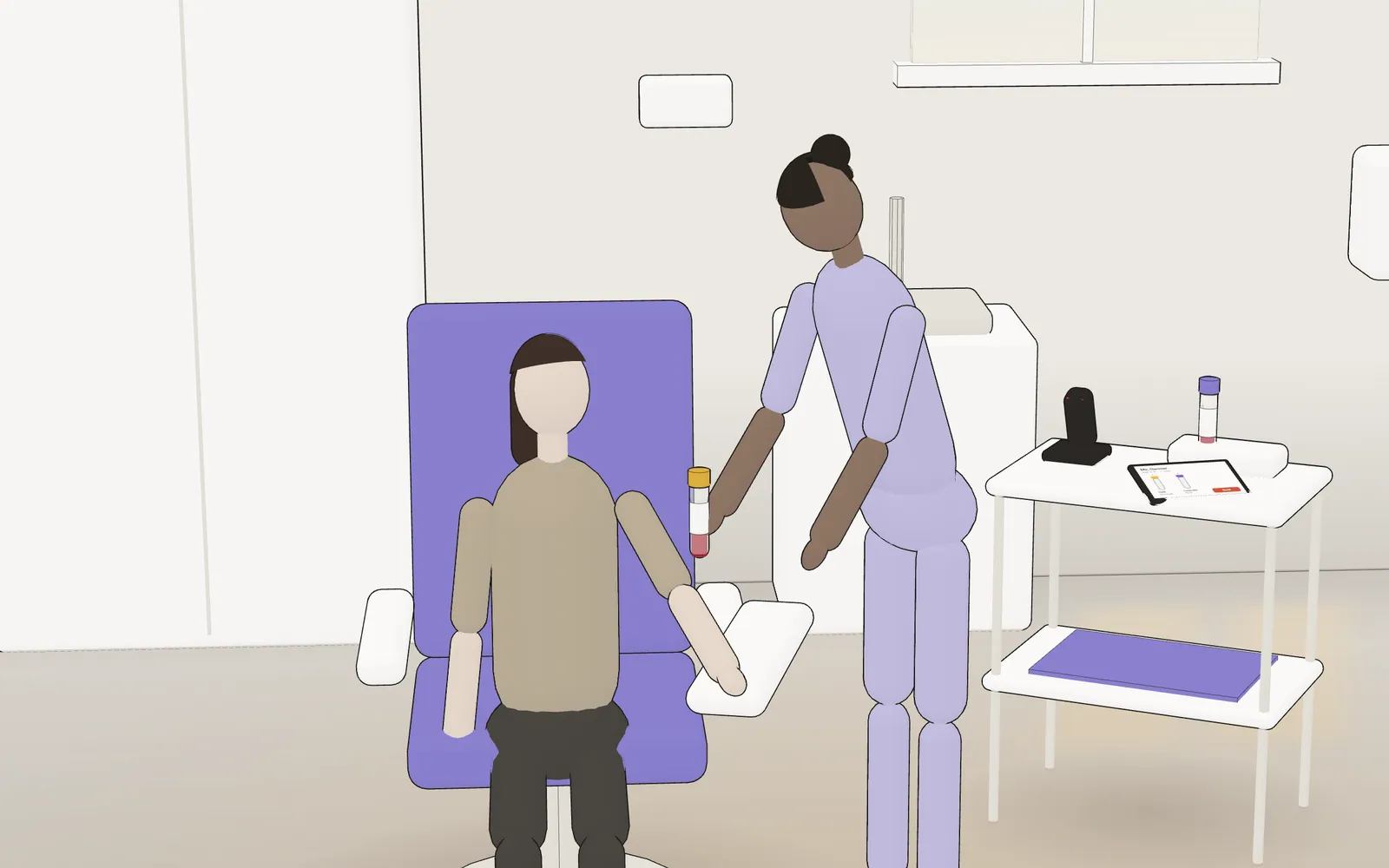
The draw plan shows which tubes to draw, and in what order. Each labeled tube is scanned, then the phlebotomist sends the order to your LIS.
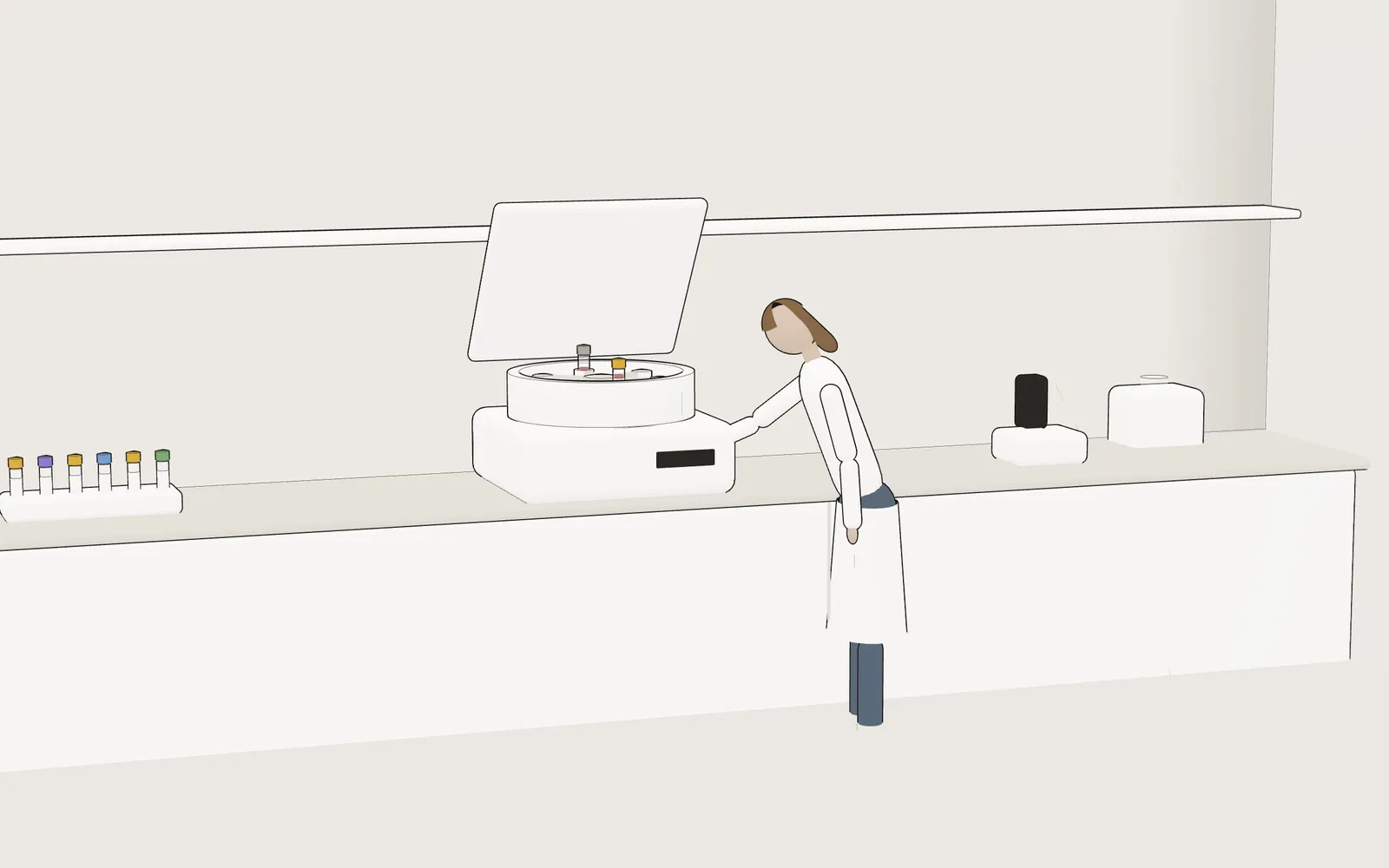
Asynia hands off here: your LIS and your team do the rest. Accessioning, centrifugation, then the analyzer runs.
Your LIS today. Asynia next. In development
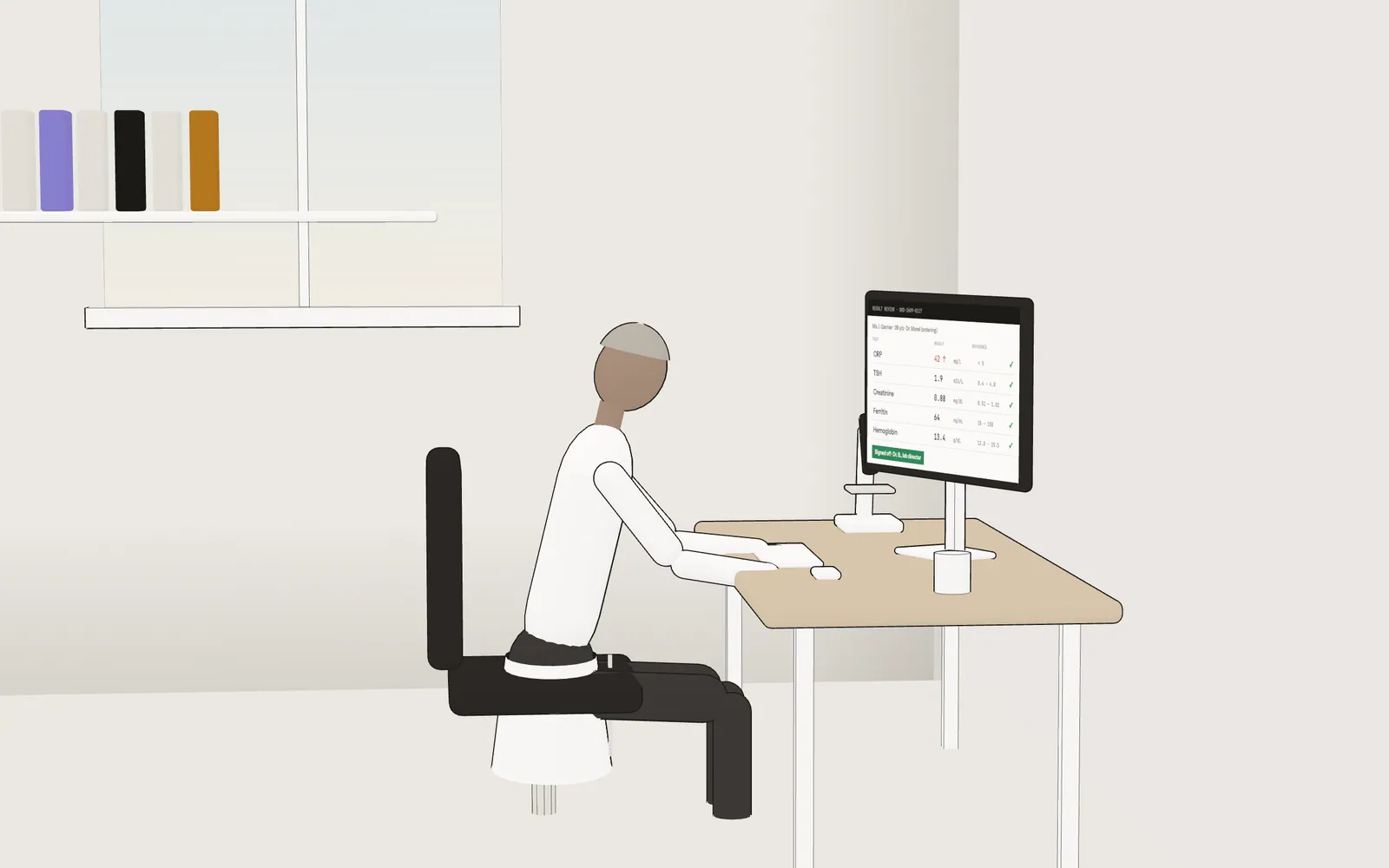
Every result is reviewed. The CRP is high, so the lab director checks it against the chart before signing off.
Your LIS today. Asynia next. In development
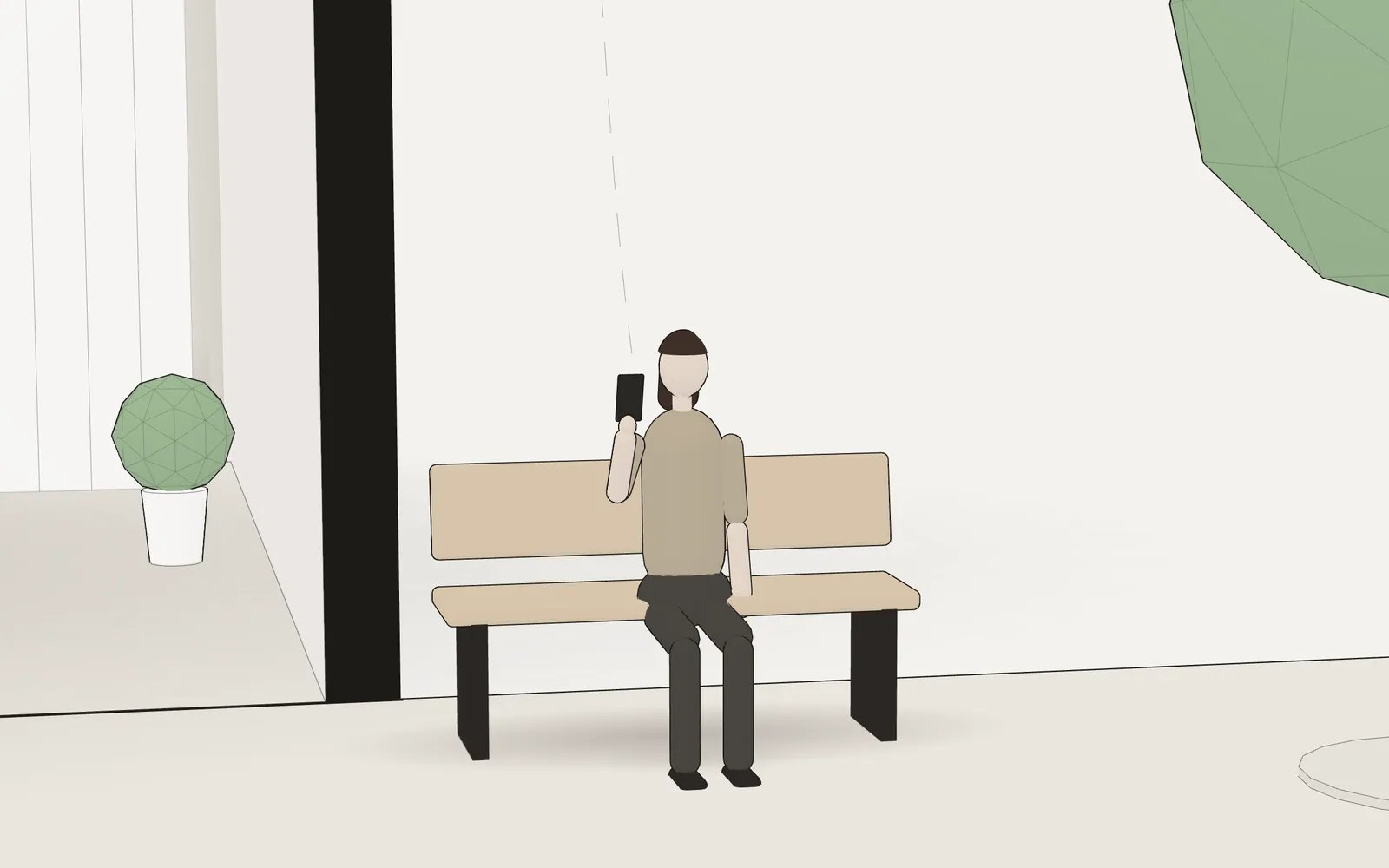
The report leaves the lab. She reads it on a bench outside, at 11:05 AM.
Your LIS today. Asynia next. In development
Live
Codes come from your own test dictionary, never from the model, and your rules apply. A named person approves; in France, the order then goes to the LIS over HPRIM.
Front desk & check-inLive
The draw plan follows your lab’s order of draw, and every tube gets scanned. Home visits sit on a map, with live traffic and a return time.
Collection & home visits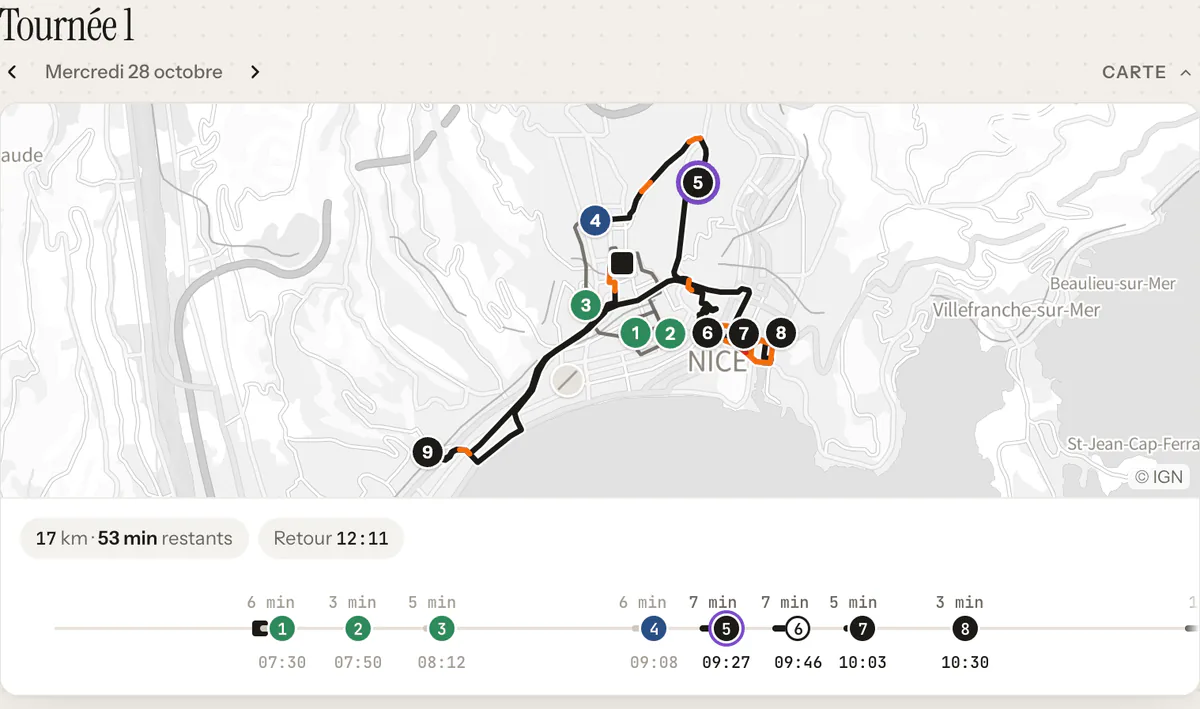
In development
Bench, sign-off, reports, billing. A critical value jumps to the top of the list.
The LIS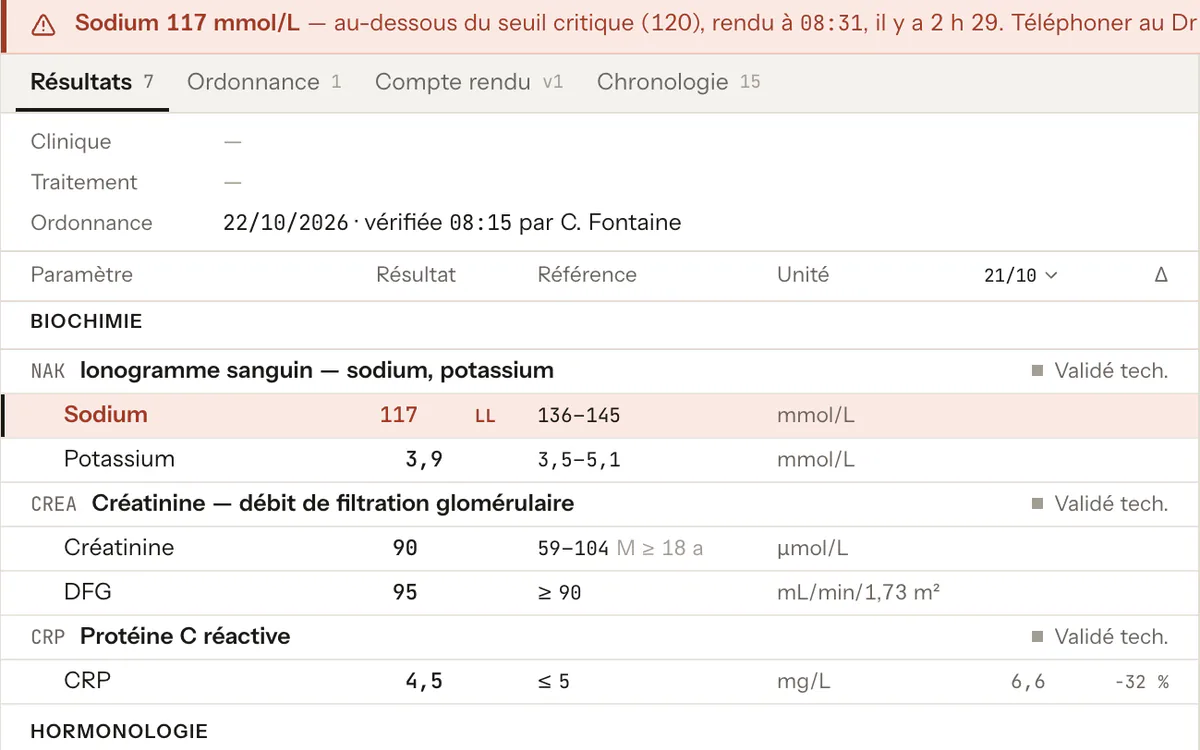
Built, not open yet
Every value shown against its reference range, with its trend and the PDF report.
ResultsHealth data on AWS in Paris, an HDS-certified host.Security & integration
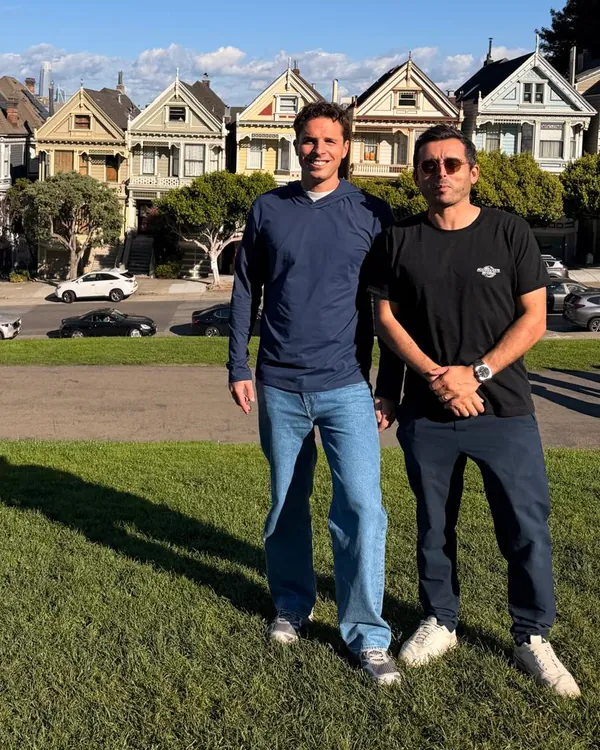
Maxime Kehon, a serial entrepreneur, built systems used by billions of people at Facebook.
Dr. James Kasprzak, a clinical biologist, founded Pacalab from scratch, a €100M business.
They build Asynia inside a working lab and ship to production every day.
Their storyUS pricing is indicative.
Asynia Front Desk
$450/ location / month
The front desk, alongside your LIS.
Asynia Lab
Recommended$690/ location / month
Everything in Front Desk, plus the console and the draw room.
Networks with 5 or more locations: custom quote.
Thirty minutes, on sample lab orders.
Vous semblez être en France. Voir la version française ?